IPTV app for iPhone and iPad
With the Kiekkast IPTV app on your iPhone or iPad, you watch live TV, films and series from your own playlist wherever you are. Send the picture to your Chromecast with one tap or via AirPlay to your Apple TV, and carry on watching on the big screen from the sofa.
- Try for free
- iPhone and iPad
- iOS 15 or later
This is what Kiekkast looks like
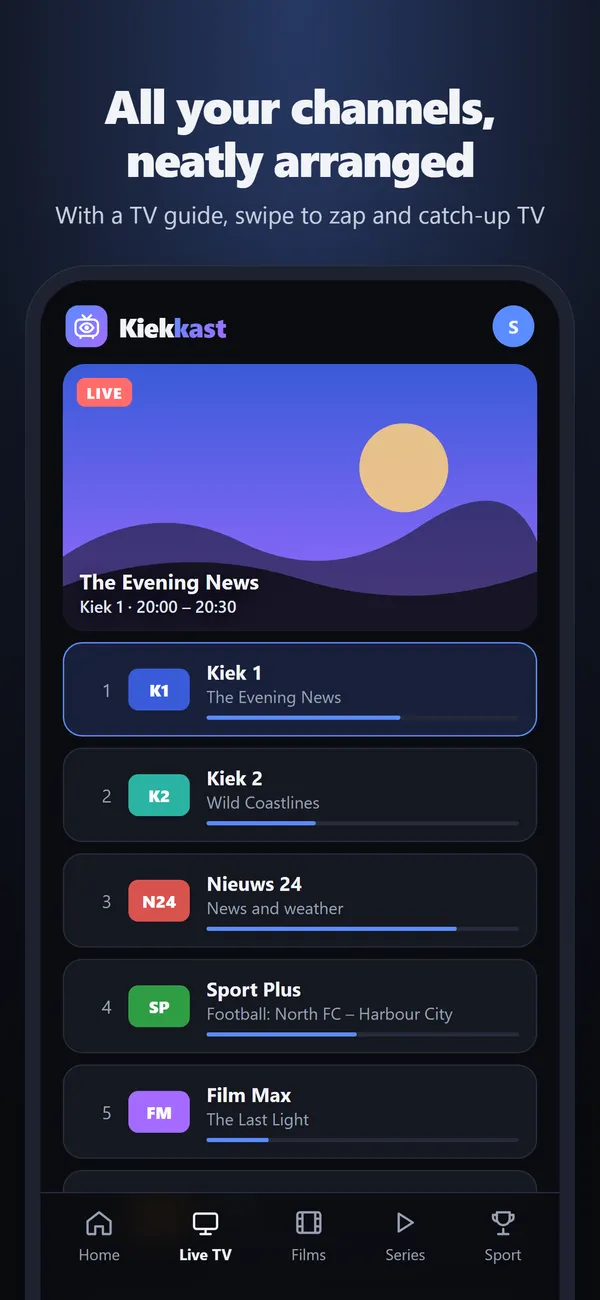
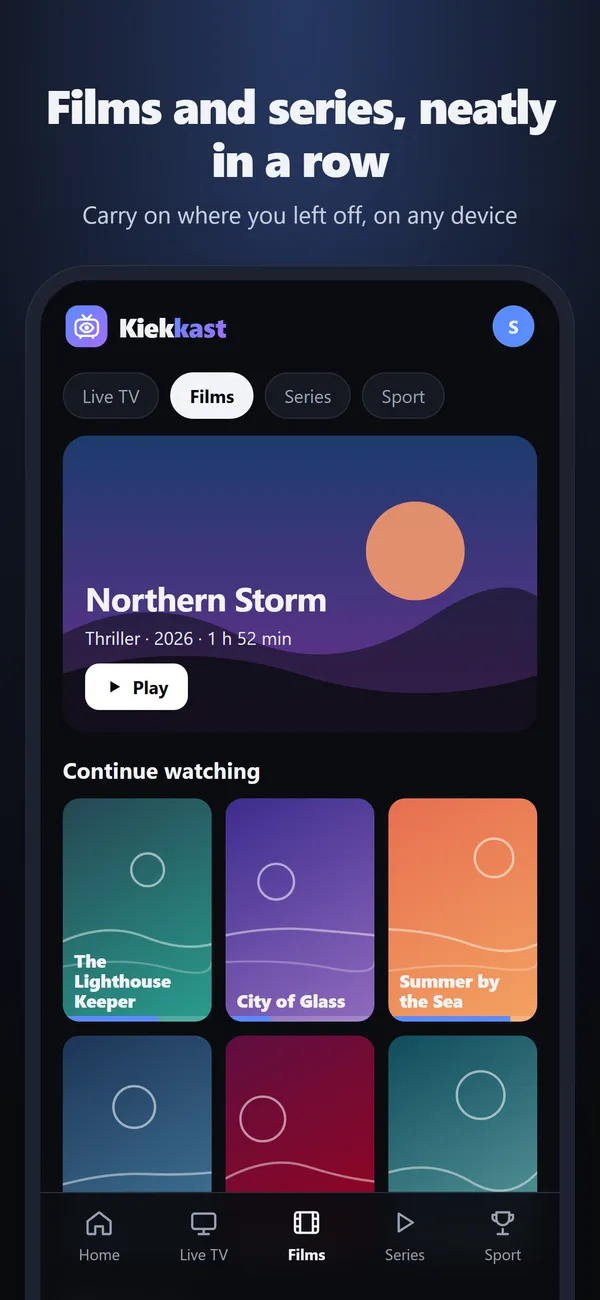
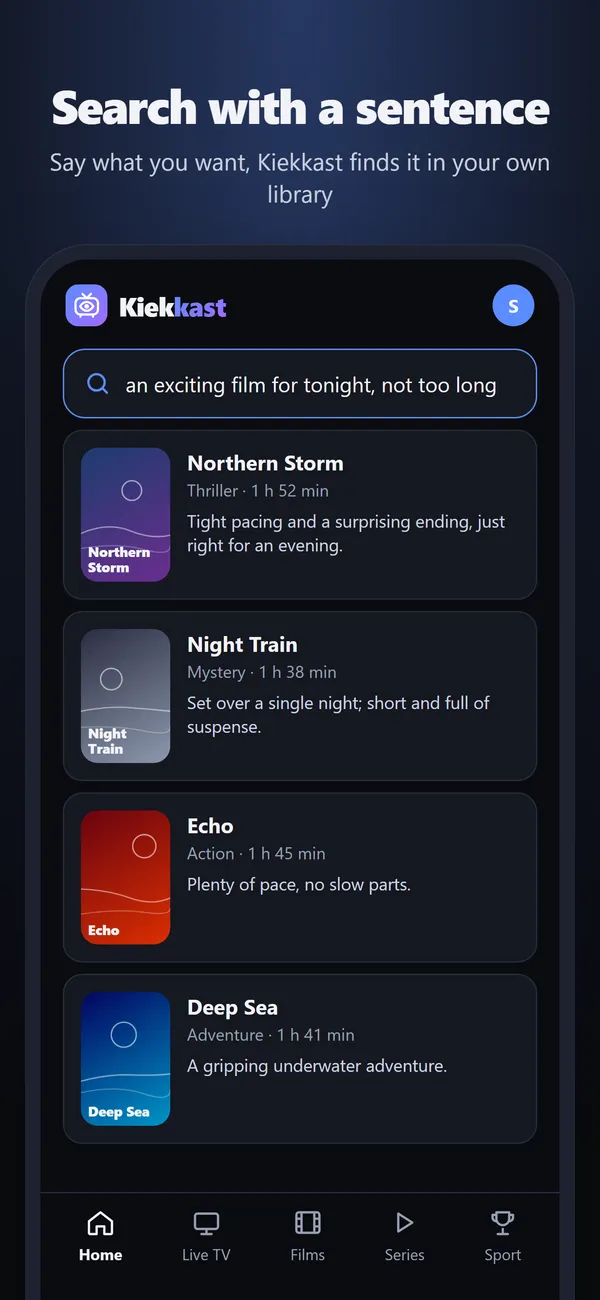
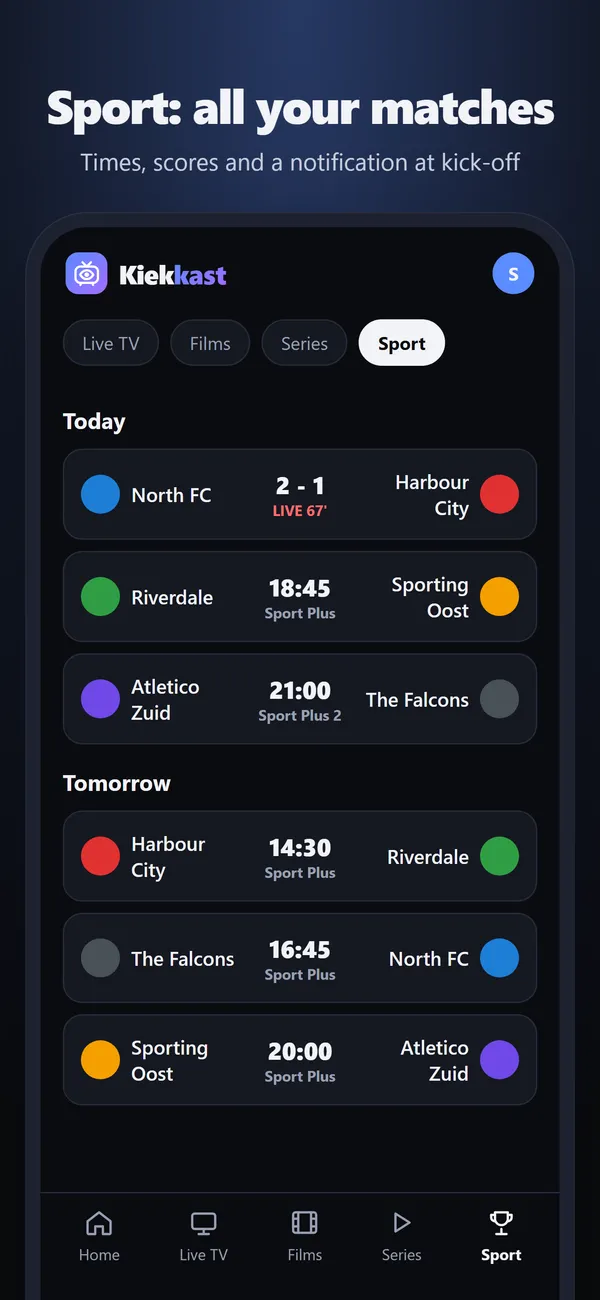
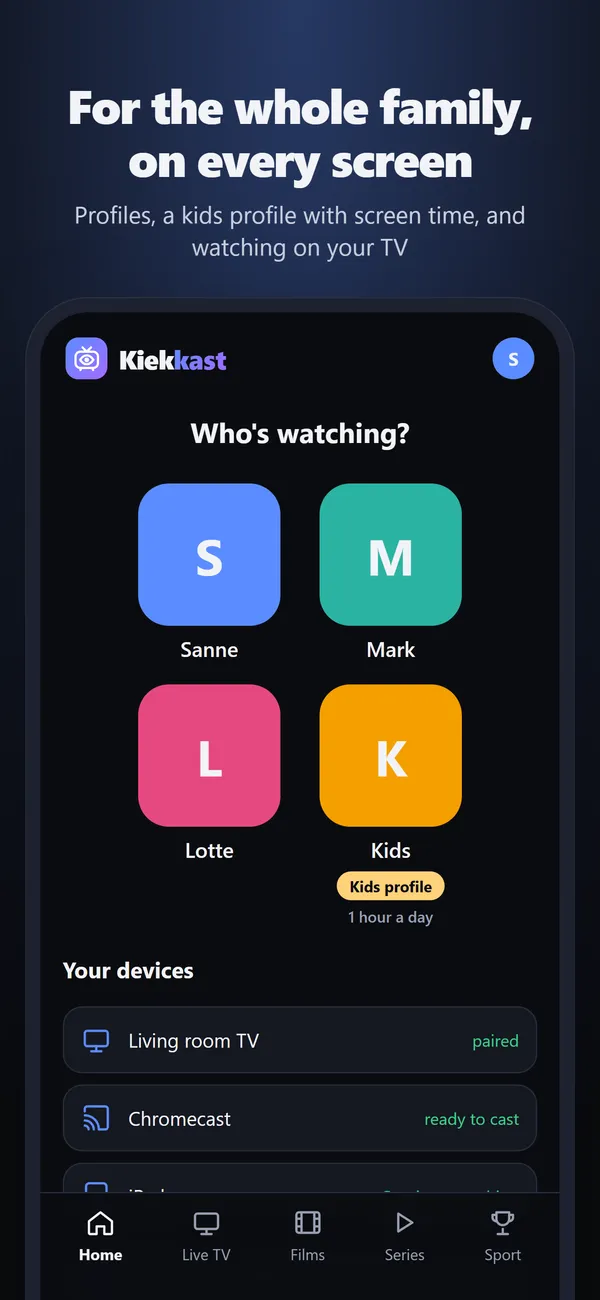
Everything you need, right in your pocket
Live TV by country with the TV guide alongside
Films and series with posters, descriptions and subtitles
Picture-in-picture, so you can keep watching while using another app
AirPlay to Apple TV and smart TVs, plus Chromecast
Notifications for reminders, recordings and matches
Sign in with Apple
The iPhone app has a built-in VLC player, so mkv, avi and MPEG-TS streams play directly too.
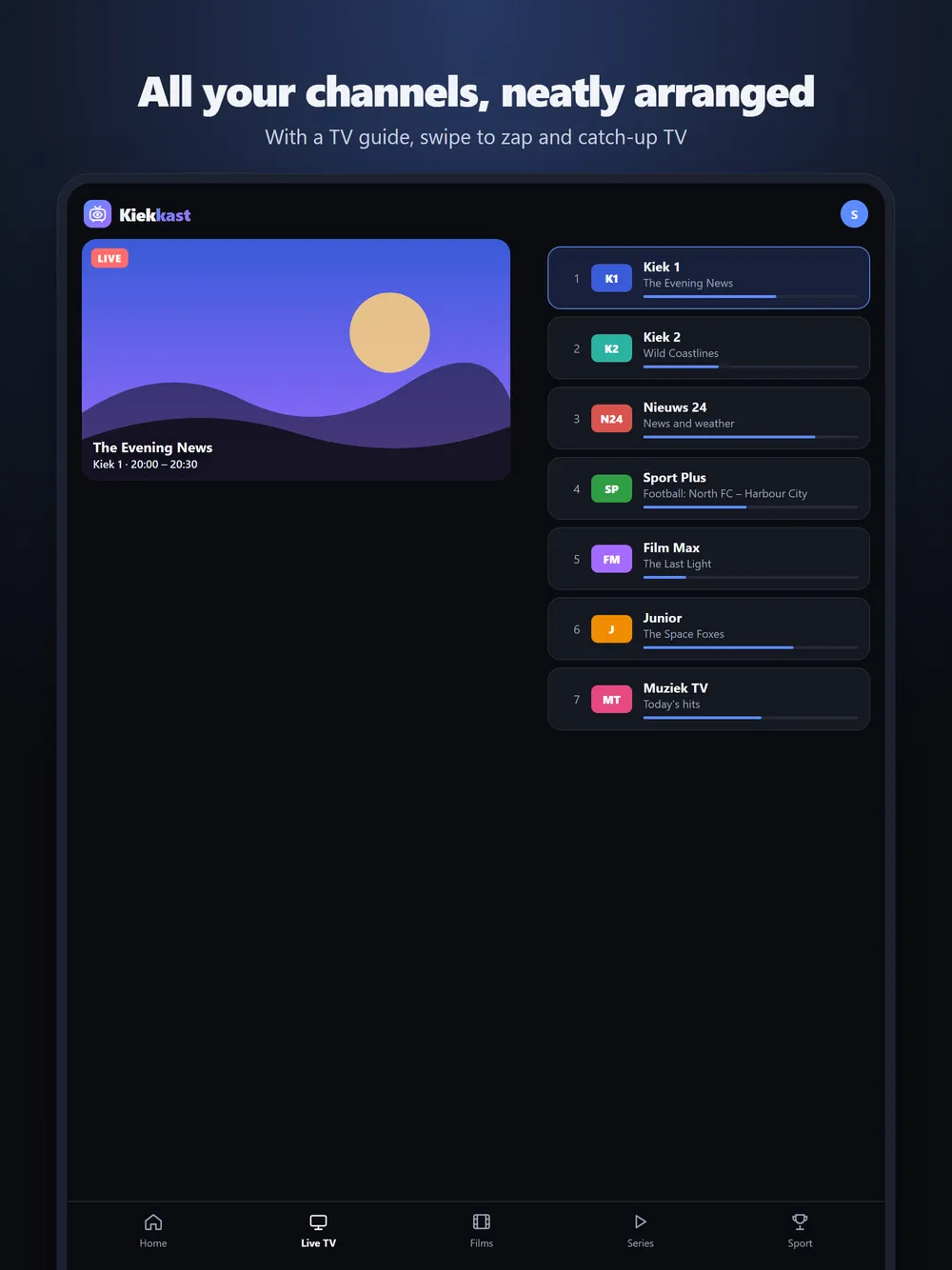
On your iPad too
On iPad, Kiekkast adapts to the big screen: the TV guide next to the picture, films and series with large posters, and picture-in-picture while you do something else.
Download on the App StoreOne account for all your devices
You add your playlist once. On your iPhone, iPad, Android phone, TV and in your browser you see the same channels, favourites and profiles. Start an episode on the train and carry on watching on the TV at home from the same minute.
Subscription via the App Store
You can try Kiekkast for free first. After that, you choose an annual subscription for your whole household in the iPhone app: Solo, Family or Large family. The subscription also covers your TV, your Android devices and the browser. You can cancel at any time in your Apple account.
Also for Android phones
Got an Android phone or tablet? Download the Kiekkast app from kiekkast.app. It has the same features, with Chromecast built in.
Frequently asked questions
Can I watch IPTV on my iPhone without an extra player?
Yes. Kiekkast has everything built in: the player, the TV guide and support for M3U and Xtream Codes. All you need is your own playlist.
Does Chromecast work from the iPhone?
Yes. In the player, tap the cast icon and choose your Chromecast or Google TV. For an Apple TV or a smart TV with AirPlay, use the AirPlay icon.
Does Kiekkast work on the iPad?
Yes. The app works on iPhone and iPad and adapts to the larger screen.
Try Kiekkast for free
Create an account, add your own playlist and start watching within a minute. On your TV, your phone and in your browser.
All about Kiekkast
IPTV player
Looking for a good IPTV player? Kiekkast plays your M3U or Xtream playlist with EPG, fast channel switching, profiles and Chromecast. Try it free.
M3U player
Play your M3U or M3U8 playlist on your TV, iPhone and in your browser. Kiekkast sorts your channels by country, adds the EPG and remembers favourites.
Xtream Codes
Watch IPTV with your Xtream Codes login (server, username, password). Live TV with EPG, films, series and catch-up on TV, iPhone and in your browser.
EPG and TV guide
An IPTV TV guide that's actually right: Kiekkast links the EPG to your channels automatically. See what's on now and next, set reminders and catch up.
Android TV and Fire TV
Kiekkast is an IPTV app for Android TV, Google TV, Chromecast with Google TV and Fire TV. Pair with a QR code, switch channels fast, plus a full TV guide.
Films and series
Watch the films and series from your IPTV subscription with posters, ratings, subtitles in your own language and carry on watching on any device.
FAQ
Answers about Kiekkast: adding a playlist, M3U and Xtream Codes, the TV guide, devices, prices, profiles, privacy and playback problems.